GPT Image 2.5Photoreal images, ready to ship

Run GPT Image 2.5 in the browser for photoreal stills, poster typography, and controlled edits. Write a prompt, add optional references, then iterate without leaving imagegen25.pro.

PHOTOREAL DETAILON-IMAGE TEXTMULTI-REFERENCEIMAGE EDIT1K · 2K · 4K

GPT IMAGE 2.5 AI IMAGE GENERATOR

GPT Image 2.5
183/3500
Generated result
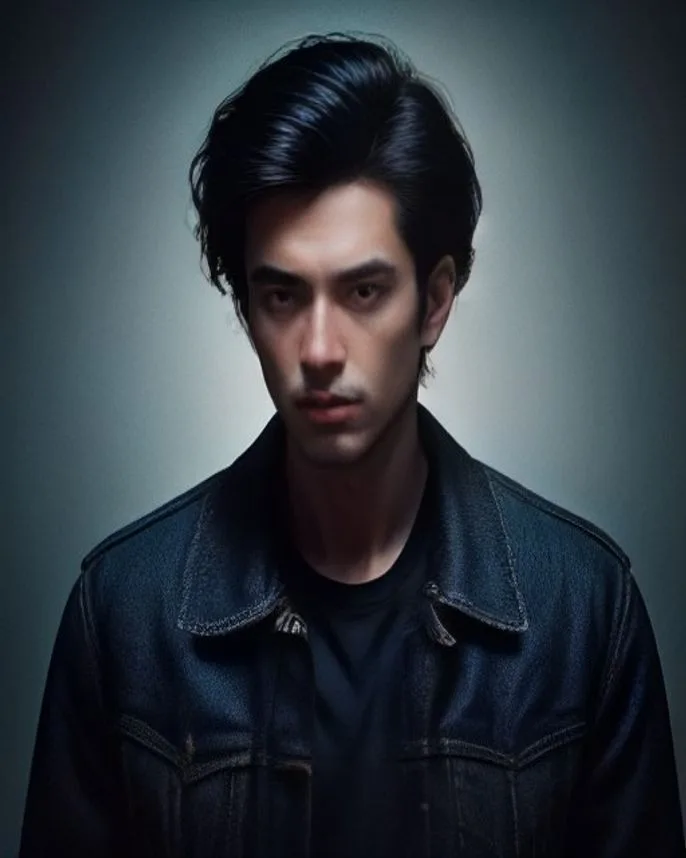
High-end editorial portrait of a man with dark hair in a black denim jacket, muted slate studio, soft neon rim light, cinematic grain, photoreal, 2K.

Two workflows that actually ship

Skip the mood-board pile. These plays show how one prompt — or one packshot — becomes a deck slide or a store row.

Game key art in one pass

Game key art in one pass

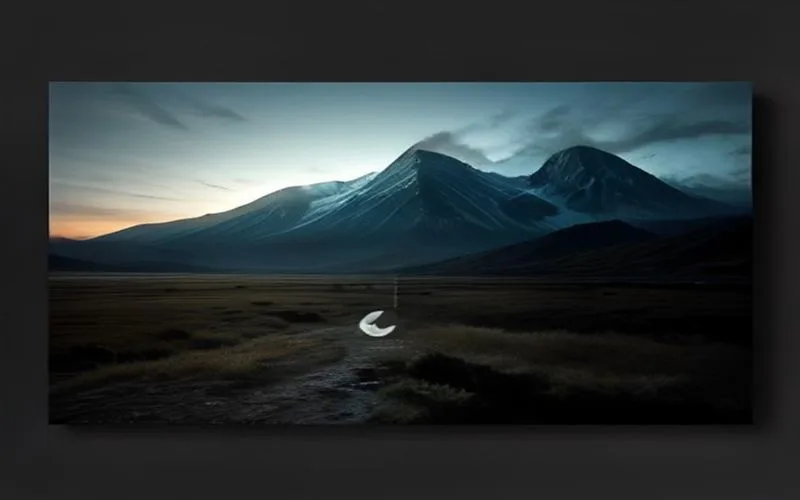
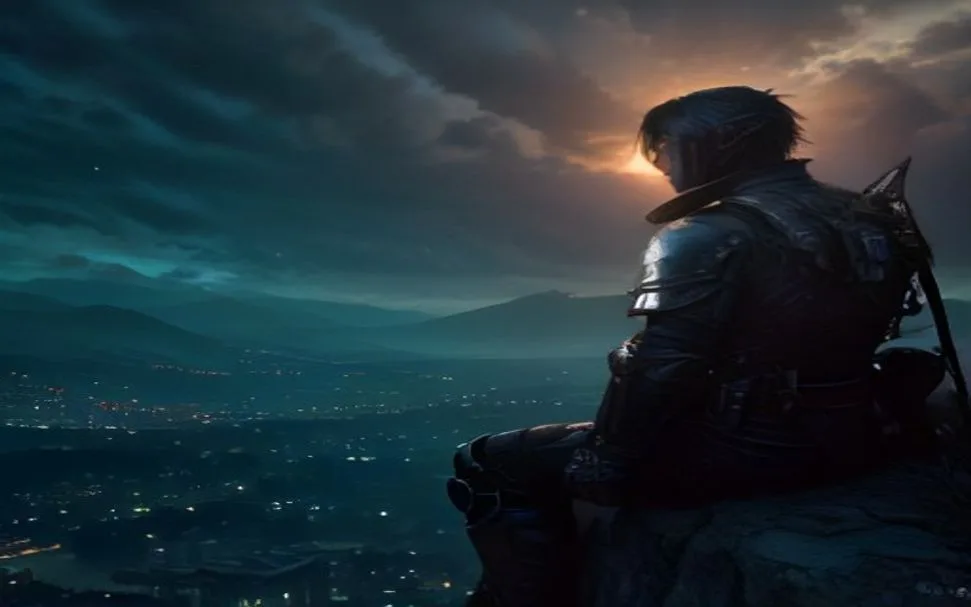
Ask for the character, environment, weather, and HUD copy in a single frame. Spell the on-screen strings in the prompt. That is how you get a mock screenshot instead of unreadable UI soup.

Key art · HUD copy · Environment

Try this workflow
Packshot to lifestyle set

Packshot to lifestyle set

Upload one product photo, then run image edit with extra scene references. Keep the object identity, change the set, and export a catalog row without a reshoot day.

Image edit · Up to 4 refs · Catalog

Open the generator

Sizes and ratios you can actually use

Draft at 1K, lock the look, then spend credits on 2K or 4K. GPT Image 2.5 quality tiers exist so you do not pay Ultra prices for every thumbnail test.

Native 1K–4K stills

Native 1K–4K stills

Standard 1K is for iteration. Step up when edges, fabric, and packaging type need to survive a zoom. Ultra costs more because it spends more compute on the same brief.

Aspect ratios for feeds and print

Aspect ratios for feeds and print

1:1 for grids, 16:9 for thumbnails, 9:16 for Stories, 3:2 and 4:3 for print, 21:9 for banners. Pick the frame before you generate so you are not cropping a face off later.

Edits that leave the rest alone

Edits that leave the rest alone

When a pass is close, switch to Image Edit and change the weak region. Identity, lighting, and materials should stay put if the prompt names what must not move.

Up to four reference images

Up to four reference images

This playground accepts four references per job — enough for a hero product, a face, a palette, and a layout. More refs help only if each one has a job in the prompt.

Where the credits are worth it

Community testers talk about cleaner textures and tighter layouts versus earlier GPT Image drops. On this site, GPT Image 2.5 is set up for the jobs that used to fail: small type, product identity, and multi-constraint prompts.

Typography that stays type

Typography that stays type

GPT Image 2.5 is strongest when the brief includes headlines, labels, or HUD strings. Ask for the exact line, the weight, and where it sits. Latin and CJK layouts hold up better than classic diffusion tools — still proof tiny legal copy before you print a box.

Posters · Labels · HUD · Packaging

Prompts that read like production notes

Prompts that read like production notes

Camera, lighting, and spatial constraints land closer when you write them as shot notes, not vibes. If the frame is 80% right, edit the region instead of rolling the whole still. That is how you stop paying for the same face twice.

Camera · Lighting · Layout

Style range in one workspace

Style range in one workspace

Photoreal, illustration, anime, pixel inventories, and UI glass can live in the same workspace. Switch style in the prompt. Keep character or product refs if identity matters more than a new look.

Photoreal · Illustration · Pixel · UI

Graphic and UI production

Graphic and UI production

Mockups, icon sheets, packaging renders, and storyboards. The model will not replace Figma, but it will fill the empty artboards you used to stock-photo. Export, then tighten in your design tool.

Mockups · Icons · Packaging · Boards

Playground specifications

What you can set on imagegen25.pro today. This is the live GPT Image 2.5 generator — size, quality, ratio, and edit — not a slide about a future API.

MODEL

GPT Image 2.5

Text-to-image and image edit in one browser playground.

RESOLUTION

1K · 2K · 4K

Start cheap at 1K. Spend HD or Ultra when the still has to hold a zoom.

ASPECT RATIOS

6 ratios

1:1 · 3:2 · 16:9 · 9:16 · 4:3 · 21:9.

QUALITY TIERS

Standard · HD · Ultra

Standard for drafts. HD for most ship work. Ultra for hero frames.

OUTPUT

PNG · JPEG · WebP

Download the result and drop it into the next tool in your stack.

EDITING

Image edit + refs

Upload up to four references. Name what must stay and what must change.

BEST FITS

Product · Poster · UI

Packshots, key art, readable mock UI, and campaign stills.

QUEUE

Multi-task

Start another job while one is still rendering. Credits debit per job.

From prompt to download in three steps

No plugin and no Discord bot. Open the generator, run a short draft, then spend credits on the frame you will actually ship.

Write the brief

01

Write the brief

Subject, camera, light, materials, and any on-image copy. If you have a packshot or a face to keep, switch to Image Edit and attach it.

Set the output, then generate

02

Set the output, then generate

Pick 1K/2K/4K, Standard/HD/Ultra, and the ratio that matches the slot. Generate. A second job can start while the first is still in queue.

Download or fix the weak region

03

Download or fix the weak region

Save the still, or feed it back as a reference and change only the part that failed. That is cheaper than rolling a new hero from scratch.

Who should generate here

Use this playground when you need readable type, product identity, or fast variants — not when you want a random aesthetic surprise.

Marketing and ad teams

Banners, social cards, email headers, and posters. Put the headline in the prompt. Generate variants before the brief meeting ends.

E-commerce and DTC brands

One packshot becomes lifestyle scenes, seasonal sets, and cutout-style heroes. Keep the SKU recognizable or the catalog fight starts in QA.

UI and product designers

App mockups, icon sheets, and illustration systems for empty Figma files. Treat the output as a start, then tighten spacing in your design tool.

Publishers and creators

Thumbnails, blog heroes, and covers with a real headline instead of stock-photo sameness. Check the letters before you publish at 200px wide.

Game and film concept teams

Lock a character or prop across key frames. Use references. Do not expect a full production bible from one lucky prompt.

The generator is ready

Photoreal stills, readable type, and reference-guided edits. Start a GPT Image 2.5 job in the browser.

Start generating

Pricing

Unlock more credits for generation and editing. Yearly billing saves the most.

Pro

Best value — more Standard 1K images each year.

Save $36
$17$20/mo
~1360 Standard 1K images / yr
  • 13,600 credits
  • $0.15 per image
  • Text-to-image & image edit
  • Private generations
  • Unlimited downloads · Email support
  • 1K / 2K / 4K · Standard & HD

Max

Maximum yearly volume with commercial rights.

Save $204
$83$100/mo
~11070 Standard 1K images / yr
  • 110,700 credits
  • $0.09 per image
  • Text-to-image & image edit
  • Commercial license
  • Priority support · Private generations
  • Unlimited downloads · Best credit rate
Questions about billing, access, or custom needs?contact@imagegen25.pro

Frequently asked questions

Practical answers for using GPT Image 2.5 on imagegen25.pro — what it is good at, what still fails, and how credits work.